Subnautica 2 Creatures Guide
12 predator types are documented in the Crater System. Each biome has a different threat profile — knowing what to expect before you dive reduces fatal surprises.
All Subnautica 2 creatures: threat level and location
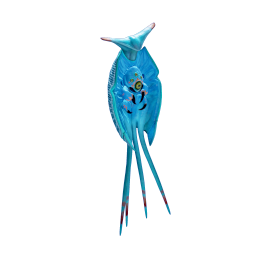
Cerathecan
A large, territorial predator found in the ruins biomes. It holds a defined territory and ...
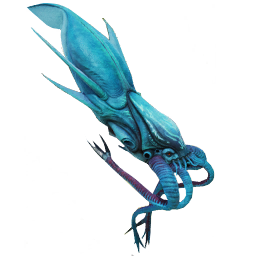
Collector Leviathan
The Collector Leviathan is one of the largest predators in the accessible ocean. It is a s...
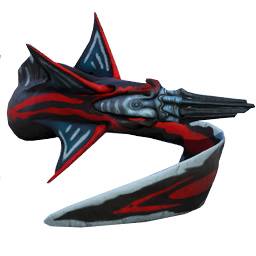
Needler Mango
A territorial predator that launches hardened spines at range. This makes it uniquely dang...
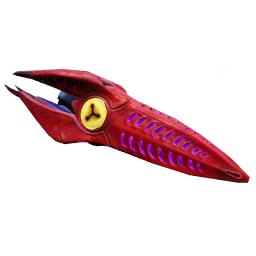
Bullethead
A small, armoured squid that hunts in swarms. The danger is not the individual — it is the...
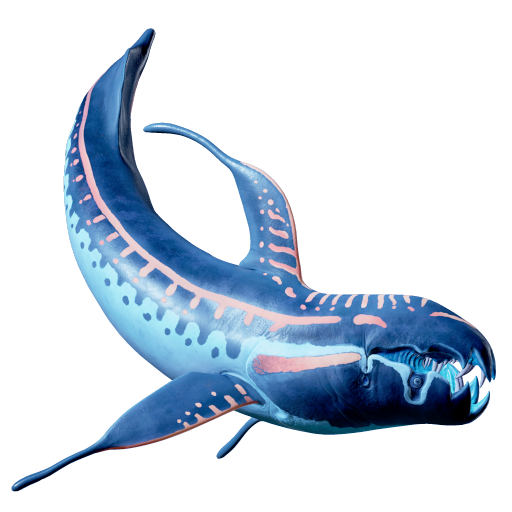
Marrowbreach
A large predator that pursues prey through open water. The Marrowbreach is particularly da...
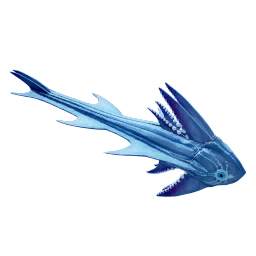
Twin Sitaray
A large electric predator found in three different biomes, including the ruins zones. It i...
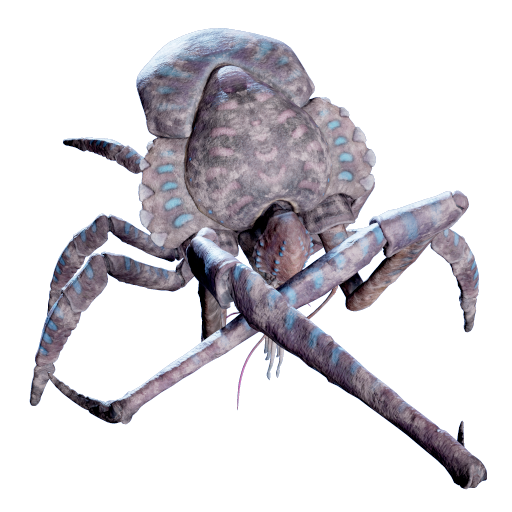
Coral Crab
An enormous crab that conceals itself among coral formations. The risk is not seeing it un...
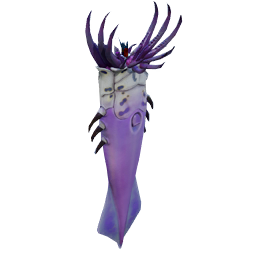
Sandspear
A fast, large predator found across four biomes. It is one of the more widely distributed ...
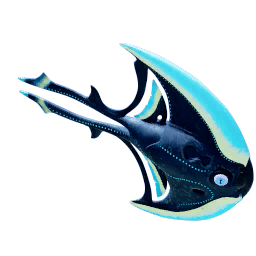
Waxmoon
A large predator found across four biomes, including the two safest mid-game areas (Coloni...
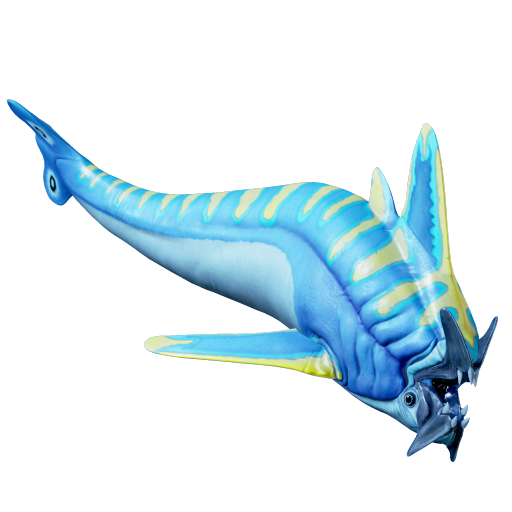
Nibbler Shark
A medium-sized predator with lower health than most apex threats, but fast enough to catch...
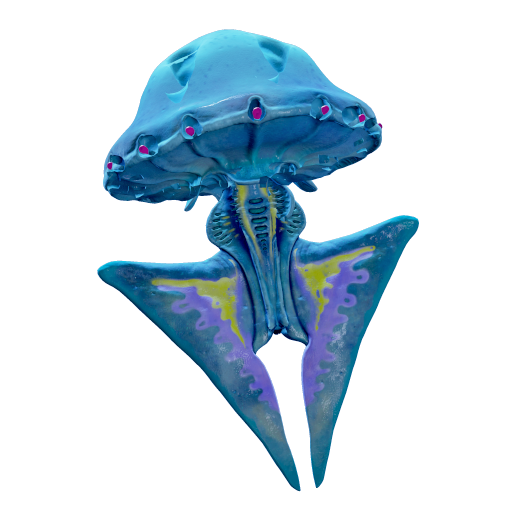
Surge Jelly
A large jelly that hunts using electric discharges. The attack is an area-of-effect rather...
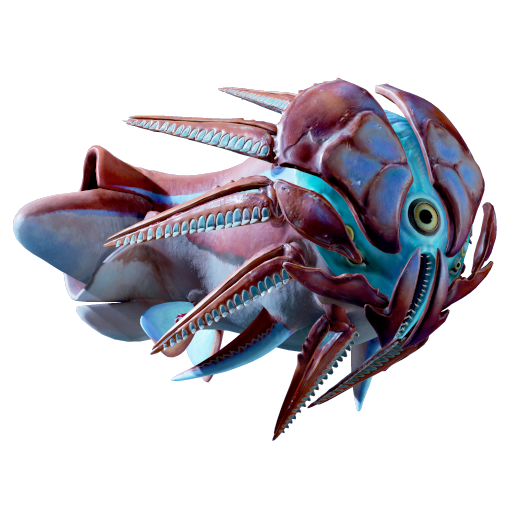
Hammerhead
An armoured, herd-dwelling herbivore that uses a powerful ram as a defensive and territori...
How to read Subnautica 2 creatures threat levels
- ★★★★★ — Extreme. Do not engage. Plan your exit route before entering its biome. (Collector Leviathan, Cerathecan)
- ★★★★ — Very High. HP 1000, fast, or ranged. Always enter their biome with the Tadpole and upgraded oxygen. (Bullethead swarm, Marrowbreach, Twin Sitaray)
- ★★★☆ — High. Manageable with preparation. Know the avoidance strategy before the dive. (Sandspear, Coral Crab, Waxmoon)
- ★★☆☆ — Moderate. Lower HP or slower speed. Avoid but do not panic. (Nibbler Shark, Hammerhead, Surge Jelly)
Creatures Guide practical checklist
Before you treat Creatures Guide as a routine encounter, make one short scouting pass. Enter from a direction you can recognize, keep your return route visible, and watch how the creature reacts before you commit to scanning, farming, or pushing past it. A safe scouting pass is especially useful when the creature appears near ruins, caves, vegetation, or other terrain that can make turning around harder than expected.
Use sound, motion, and terrain together. If the creature becomes more active when you move quickly, use a slower approach and leave more distance. If it pressures vehicles, do not park directly beside the scan target or resource cluster. If it patrols a narrow route, wait for a clearer timing window instead of trying to force your way through.
For resource or fragment trips, decide in advance whether Creatures Guide is worth passing today. Sometimes the best answer is to mark the area mentally and come back later with better mobility, more oxygen safety, or a co-op partner. Subnautica 2 progression rewards good timing: you do not need to take every risk the first time you see it.
Co-op players should call out creature position, not just danger. Saying “it is behind the left arch” or “it is circling the vehicle” helps the team react. Saying only “run” often creates confusion and splits the group. If one player is scanning, another should watch the exit and another should keep the vehicle or safe route ready.
After the encounter, ask what the trip taught you. Did you learn a safer approach angle? Did the creature block a fragment route? Did it make the biome unsuitable for a base? That information is useful even if you returned with no new item. In a survival game, route knowledge is progress.
- Scout the area once before staying to scan or gather.
- Keep a visible exit route and avoid narrow dead ends.
- Do not let curiosity pull you below your oxygen comfort zone.
- Use co-op callouts that include position and direction.
- Recheck this page after major Early Access updates.
How to use the creature guide hub
The creature hub is meant to help you understand risk before you enter the water, not after a predator is already behind you. A creature page should answer more than “what is this animal called?” It should help you decide whether to scan it, avoid it, route around it, use it as a biome warning, or return later with better equipment.
When comparing creatures, look at three things: the environment where they appear, how they attack or pressure the player, and what they do to your route. A creature in open water might be easy to avoid if you see it early. A smaller creature in a cave, ruin, or narrow trench can be more dangerous because it steals time, blocks exits, and makes oxygen management harder.
Use the hub before fragment hunts and resource runs. If a target biome contains a dangerous predator, read that creature page before leaving base. Learn whether it pressures vehicles, reacts to light, appears in groups, or patrols near important routes. That information can change what you bring and whether the trip should be solo or co-op.
Co-op teams should turn creature information into callouts. Instead of simply saying “monster,” describe the direction, distance, and movement. This keeps the group organized and prevents players from scattering into worse terrain. One player can scan or gather while another watches the creature and a third keeps track of the return route.
During Early Access, creature behavior can be tuned. Health values, aggression, habitats, sound cues, and vehicle interactions may change. If a creature behaves differently from the guide, slow down, return safely, and check the update pages. The goal is to survive the current build, not to force an old habit into a changed ocean.