Subnautica 2 Biomes
The Crater System contains 8 distinct biomes, each with different danger levels, resources, and fauna. Knowing which zone to target — and when — is the difference between a productive session and an unplanned death.
All Subnautica 2 biomes: danger rating and resources
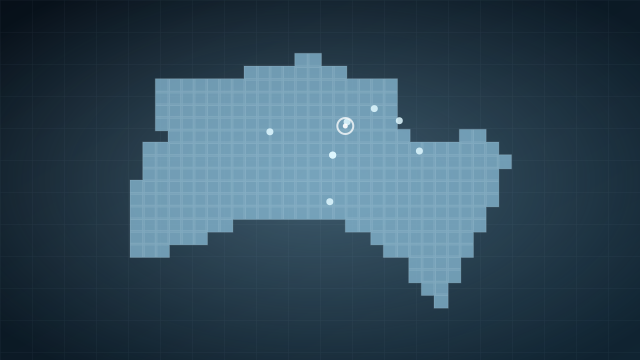
Shallows
Key resources: Titanium, Copper, Quartz
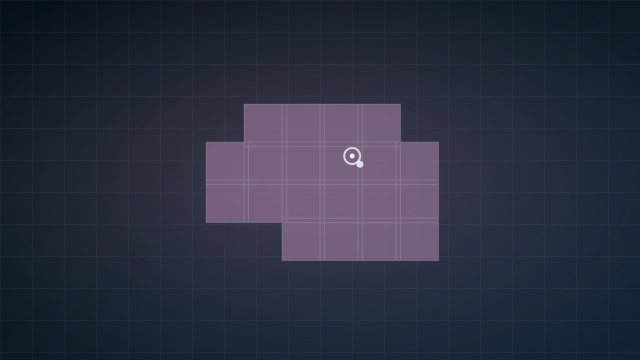
Colonist Bunker
Key resources: Titanium, Copper, Silver
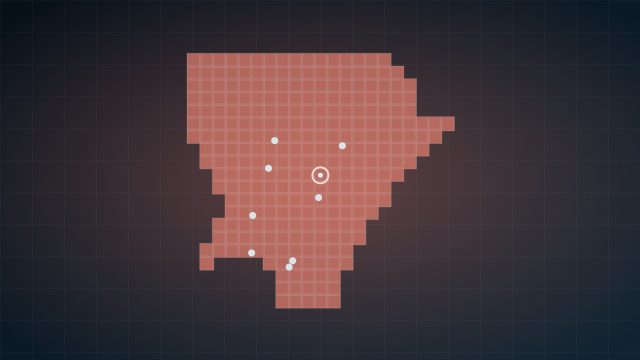
Plateaus
Key resources: Titanium, Quartz, Silver
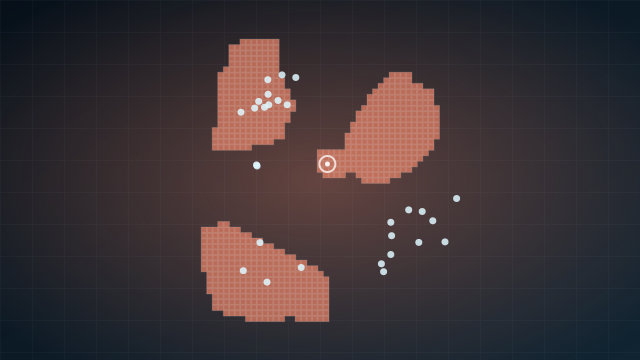
Coral Gardens
Key resources: Titanium, Copper, Quartz
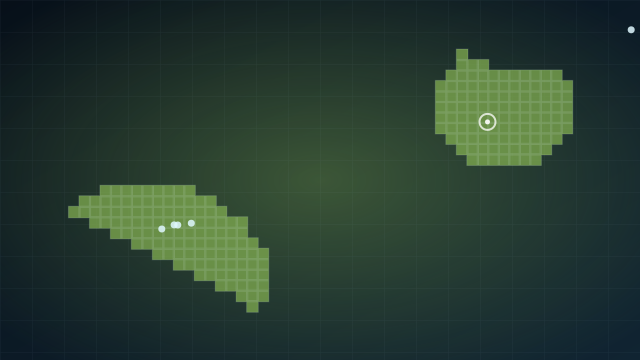
Sparse Plains
Key resources: Titanium, Quartz, Celestine
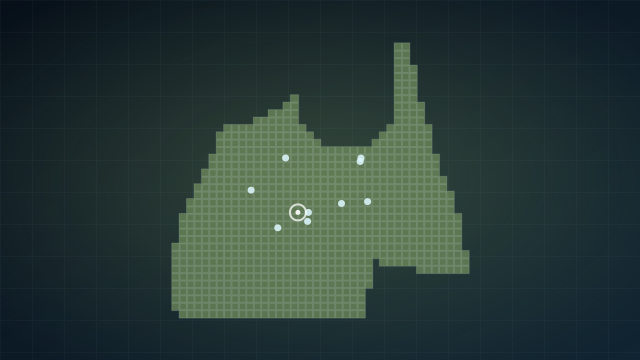
Graveyard
Key resources: Titanium, Sulfur, Salt
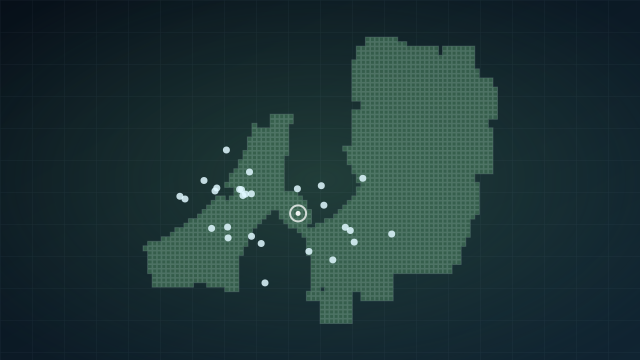
Axum Ruins
Key resources: Titanium, Silver, Copper
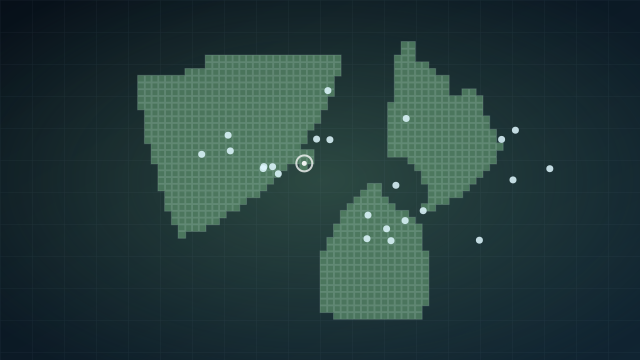
Overgrown Ruins
Key resources: Titanium, Silver, Copper
Subnautica 2 biomes: recommended progression order
- Shallows — first session. Safe, shallow, core resources.
- Colonist Bunker or Plateaus — after basic gear. Silver deposits. Two manageable predators.
- Coral Gardens — mid-game with Tadpole. Highest resource variety. Five predator types.
- Sparse Plains — mid-game. Celestine available. Collector Leviathan patrols.
- Axum Ruins & Overgrown Ruins — late game. Celestine and advanced resources. Bullethead swarms and Cerathecan territory.
- Graveyard — late expedition zone. Collector Leviathan. Gold and Sulfur deposits.
Subnautica 2 biomes practical checklist
Before turning Biomes into a farming route, treat your first visit as reconnaissance. Your first goal is to understand the entry point, the safest return path, the most useful landmarks, and the moments when the area starts to feel unsafe. Do not judge a biome only by the first resource you see; judge it by whether you can enter, gather, and leave repeatedly without panic.
A strong biome route has three parts: a safe approach, a focused task, and a clean exit. The task might be gathering materials, looking for fragments, scanning creatures, checking base potential, or simply mapping the edge of the area. If you combine all of those goals into one dive, you are more likely to stay too long and lose track of what you came for.
Watch how the terrain changes your decisions. Open water, caves, ruins, vertical cliffs, vegetation, low visibility, and predator patrols all affect how safe a route feels. A resource that looks easy on the way in can become risky if a threat pushes you away from your return path. Use landmarks and turn-around points before you start filling your inventory.
For co-op crews, assign jobs before entering Biomes. One player should lead the route, one should gather, one should scan, and one should watch danger and oxygen timing. Rotate those jobs between trips so every player learns the biome instead of relying on one navigator. This makes later expeditions faster and safer.
After each trip, update your plan. If the biome gave you the material or scan you needed, move to the related guide and turn that progress into crafting or exploration. If the trip felt too dangerous, return later with a vehicle, better gear, or a clearer route. Subnautica 2 is about learning the ocean in layers, not forcing every zone immediately.
- Use the first visit to scout, not to finish everything.
- Pick one main goal before leaving base.
- Memorize a return landmark before gathering.
- Leave early if threats or terrain break your route.
- Check patch notes if resources or threats feel different.
How to choose the next biome
Choosing the next biome is one of the most important decisions in Subnautica 2. A biome is not only a visual theme; it is a bundle of depth pressure, resource value, creature danger, navigation difficulty, and progression potential. If you enter a new zone without knowing why you are going there, you may spend a long time swimming in circles and return with a full inventory that still does not solve your current problem.
Start by asking what your save needs right now. If you need common materials, stay near safer zones and repeat short loops. If you need a scan or blueprint, choose the biome that supports that objective and bring the tools for scanning instead of filling every slot with random resources. If you are scouting for a base, evaluate route safety, visibility, expansion room, and access to crafting materials rather than choosing the prettiest view.
Danger level should also change your behavior. Low-danger biomes are good for learning controls, building routines, and practicing return timing. Moderate zones are good for focused farming and early fragment routes. High and very high danger zones should usually be treated as expeditions. You go in with a target, confirm a route, gather only what matters, and leave before the biome forces you to improvise.
Co-op groups can use the biome hub as a planning board. One player picks the target, one checks resources, one checks threats, and one checks related guides. This makes the trip feel like a team dive instead of four players chasing different glowing objects. After the dive, return to the hub and choose the next biome based on what you learned.
Because Subnautica 2 is in Early Access, biome information should be reread after large updates. If a resource cluster, predator route, or fragment point feels different from the page, treat your current save as the final source and check patch notes before relying on old routes.
Biome selection examples
If you are early in a save, pick a low-risk biome and repeat short routes until you understand oxygen timing, storage pressure, and the safest return landmarks. A beginner route should feel almost boring by the third run; that is how you know it is safe enough to use as a foundation for deeper exploration.
If you need a specific resource, compare biomes by what they let you collect safely, not by how rare the material sounds. A dangerous zone with a rare material is not always better than a safer route that gives you enough common materials to unlock the tool you actually need.
If you are looking for fragments, use biome pages to understand the danger around the scan, not only the scan itself. A fragment that sits near a predator path requires different preparation than a fragment in shallow open water. Bring the right tool, leave room in your plan for a failed attempt, and return later if the route feels too risky.
If you are choosing a base location, do not build in a biome just because it looks memorable. Test the route several times. Ask whether you can reach food, water, storage, crafting materials, and future travel paths without fighting the same danger every time. A base that is beautiful but stressful becomes a liability.
If you are playing co-op, use the biome hub to assign destinations. One player can learn the safe zones, another can focus on resources, another can watch predator routes, and another can compare the next fragment target. This turns the biome list into a shared planning screen instead of a passive catalog.
Finally, remember that a biome guide is most valuable when it helps you decide what not to do. If a zone is too deep, too dangerous, or not connected to your current goal, skip it for now. Returning later with better tools is often the smartest route in Subnautica 2.